A Minecraft launcher that puts you straight on the server.
STYGION Launcher is a free Minecraft launcher for Windows and Linux. It plays CurseForge and Modrinth modpacks, and when a server's website has a Play button, one press installs that server's pack and puts you in.
See every download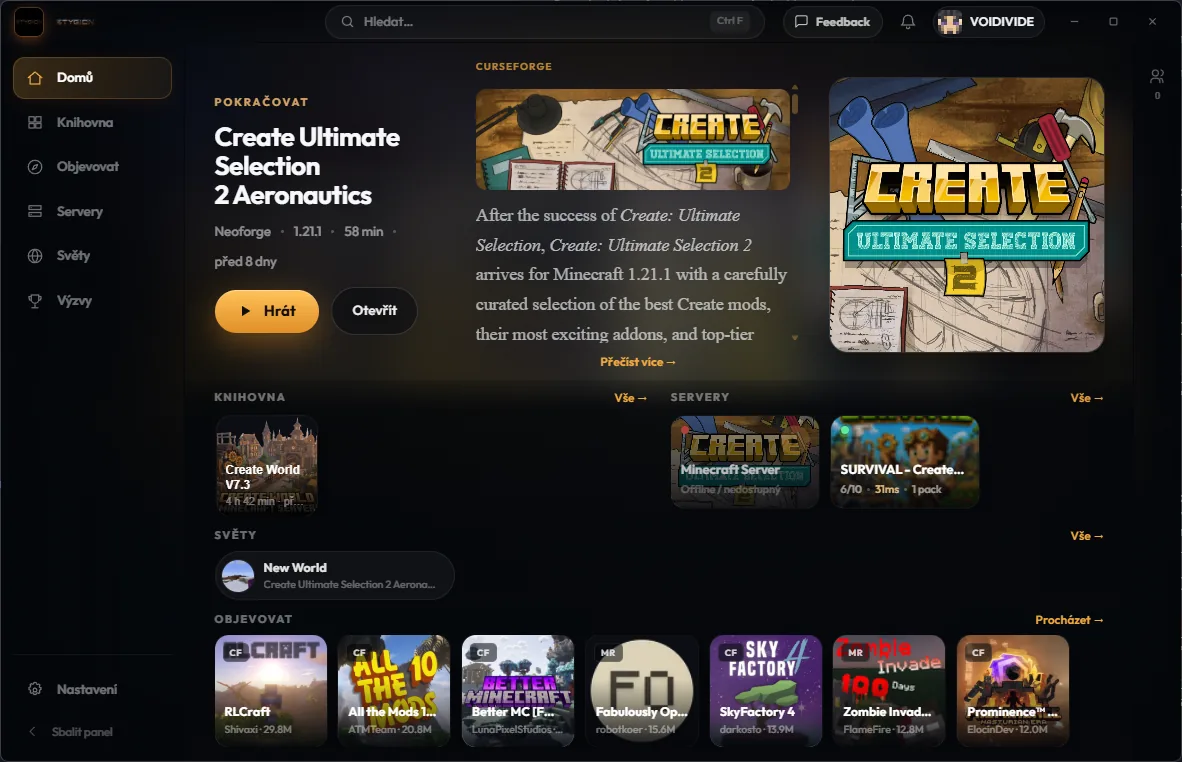
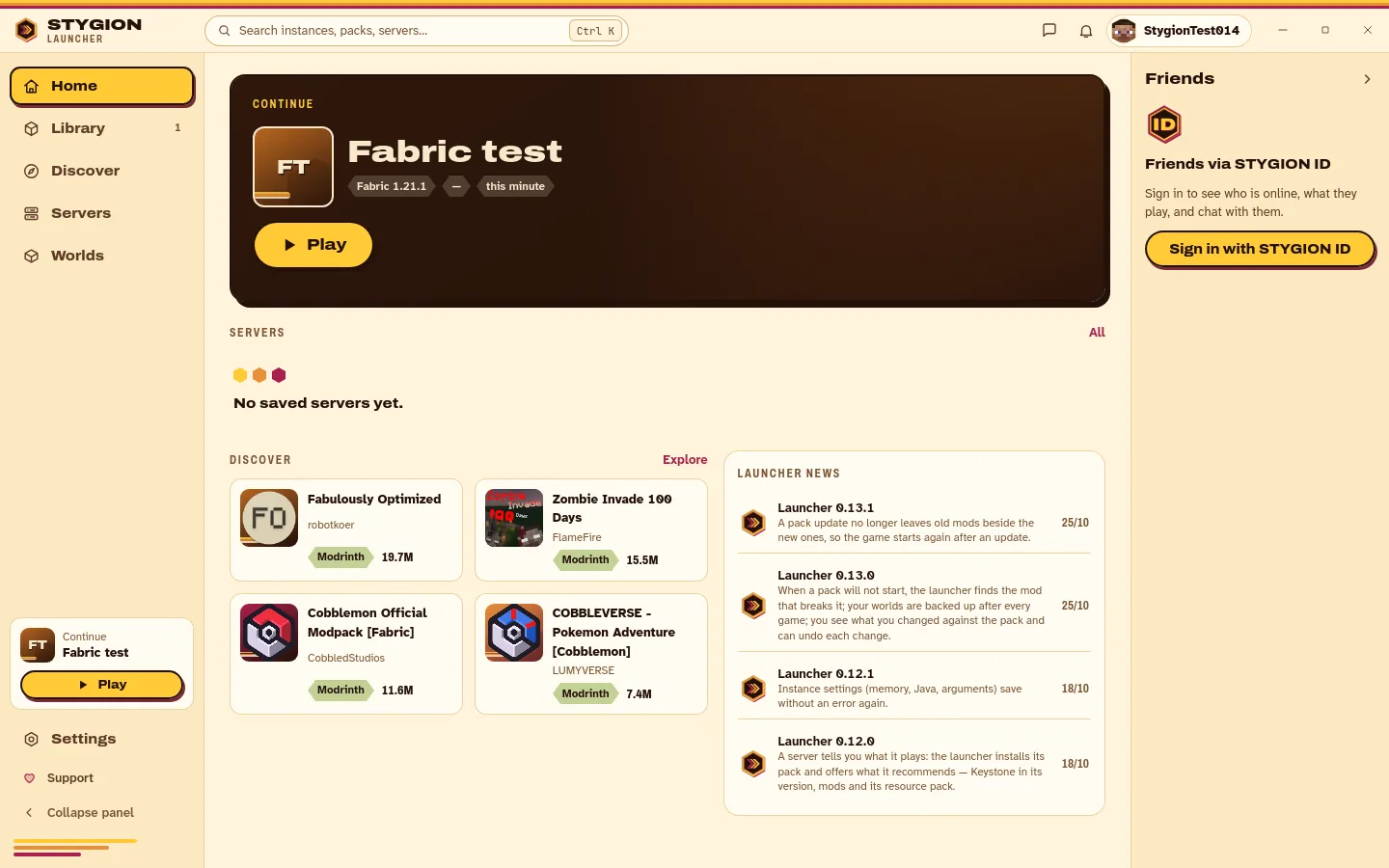
One press from a website.
Servers put a Play button on their site. Press it and the launcher opens, installs the exact pack version that server runs, saves the server and connects. Already have the pack? Straight in.
Try it on STYGION MC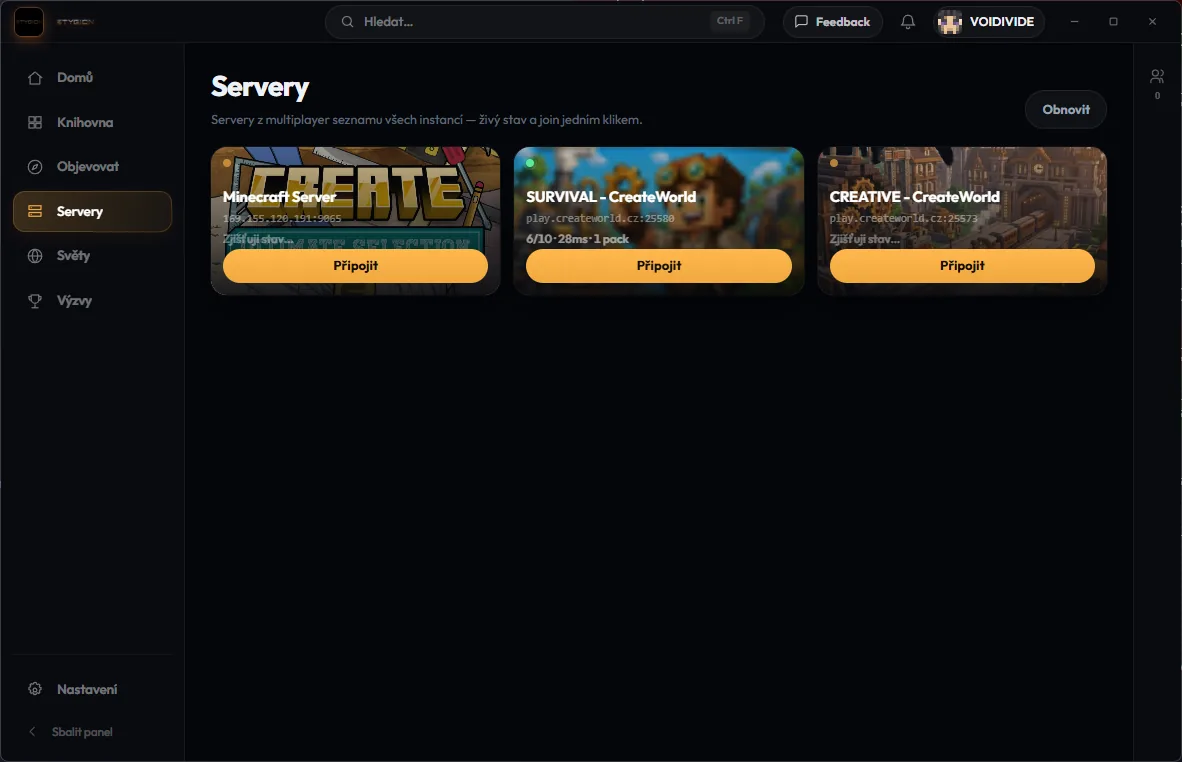
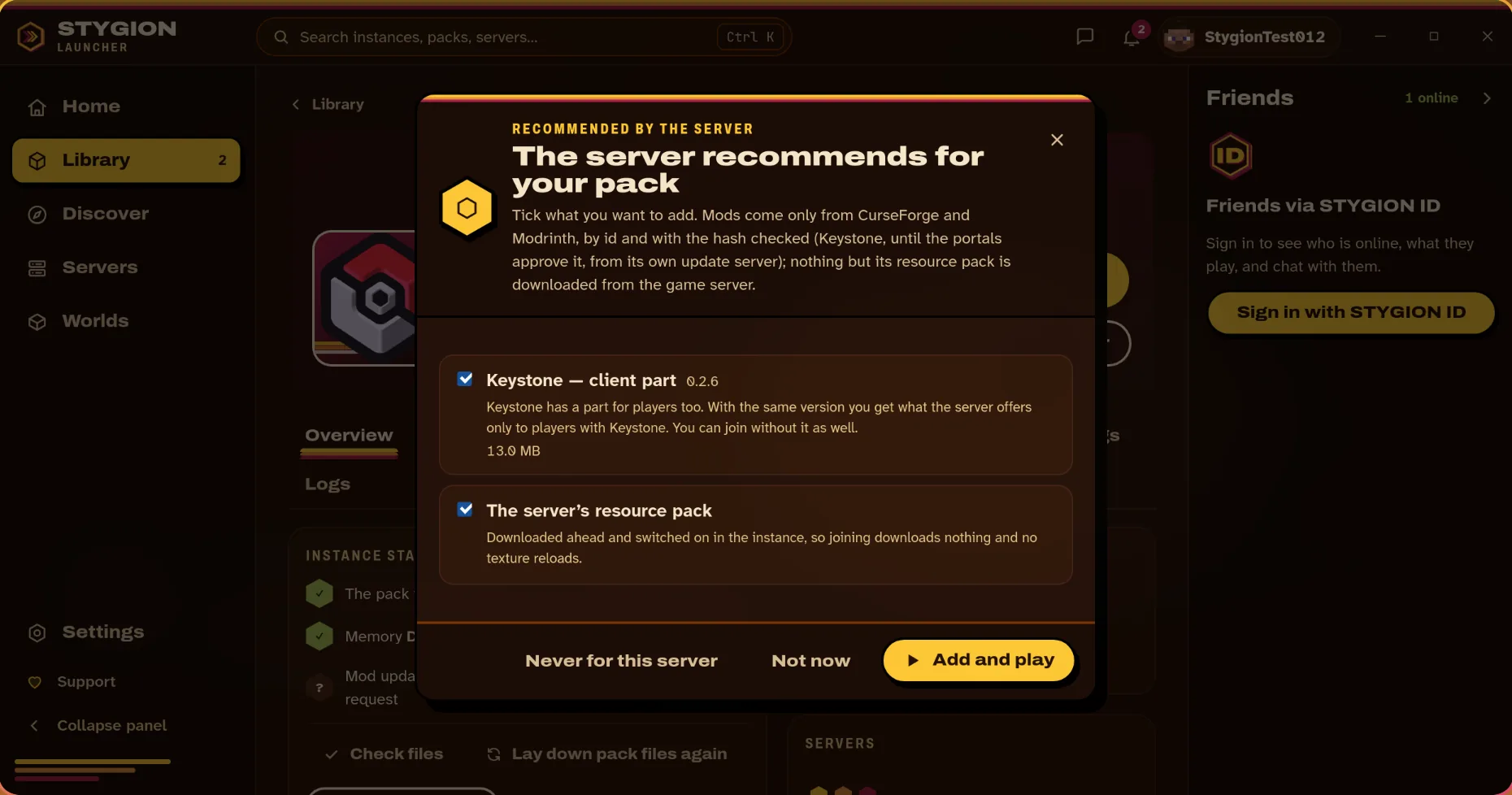
The server says what it recommends.
A server with Keystone tells the launcher its pack, the Keystone version it runs and its resource pack. Before you join, one panel offers them: Keystone in exactly the server's version, the mods the server recommends, and its resource pack downloaded ahead, so joining downloads nothing and the textures don't reload. Tick what you want. Mods are checked by hash; Keystone comes from CurseForge, and while CurseForge hasn't approved a version yet, from our update server, checked the same way. Turn it off in Settings → Game → Servers.
Run a server? Make your own button.
Fill in your server's address and modpack and you get a button and a link for your website, Discord or forum. Free with a STYGION ID: you see how often it is used, change it later, and can put your server in the public list.
Make a Play buttonFriends, if you want them.
Sign in with STYGION ID and you get friends and chat inside the launcher. Rather not? Everything else works without an account.
Your packs, with the hours in them.
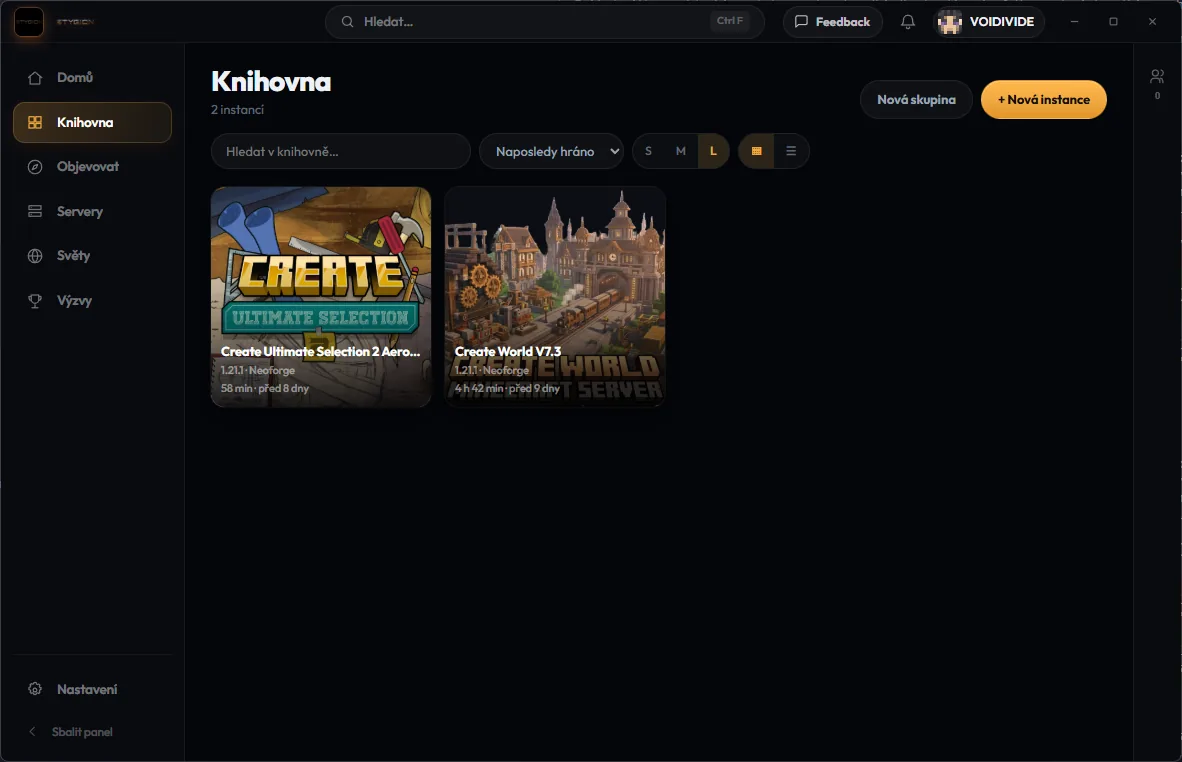
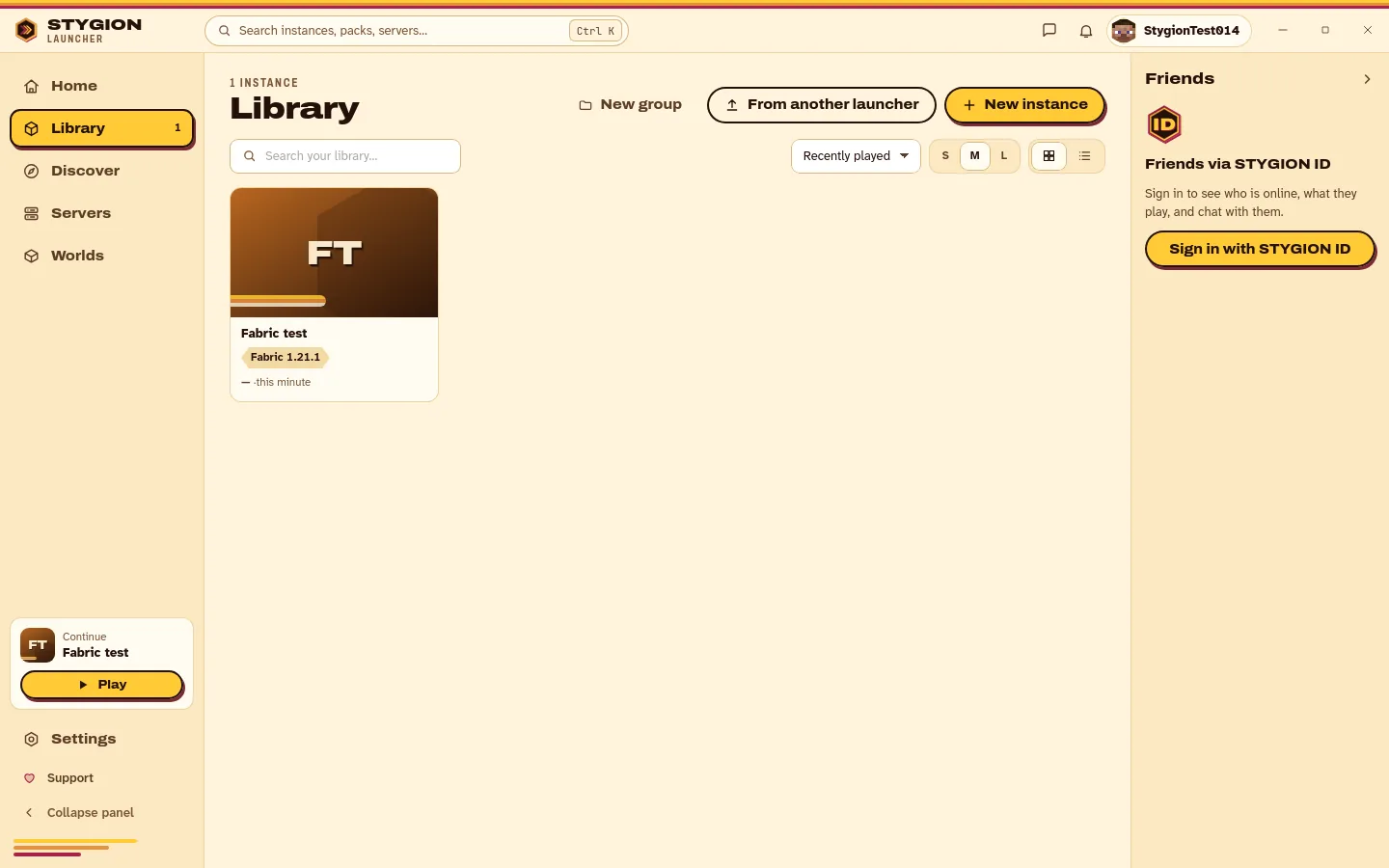
A library that remembers which pack, which version and how long you've played it, with its worlds and servers next to it.
When the game won't start, it finds out why.
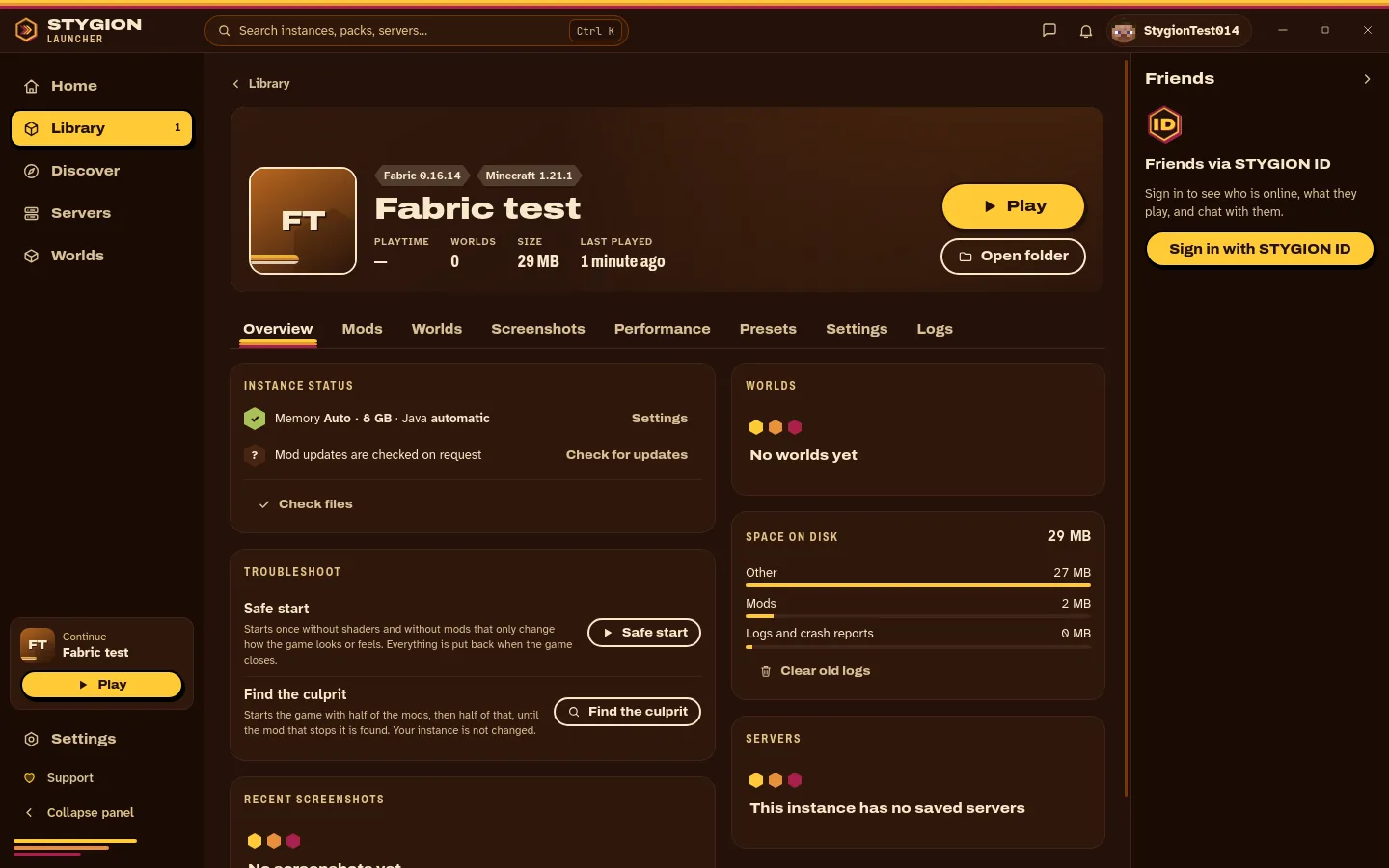
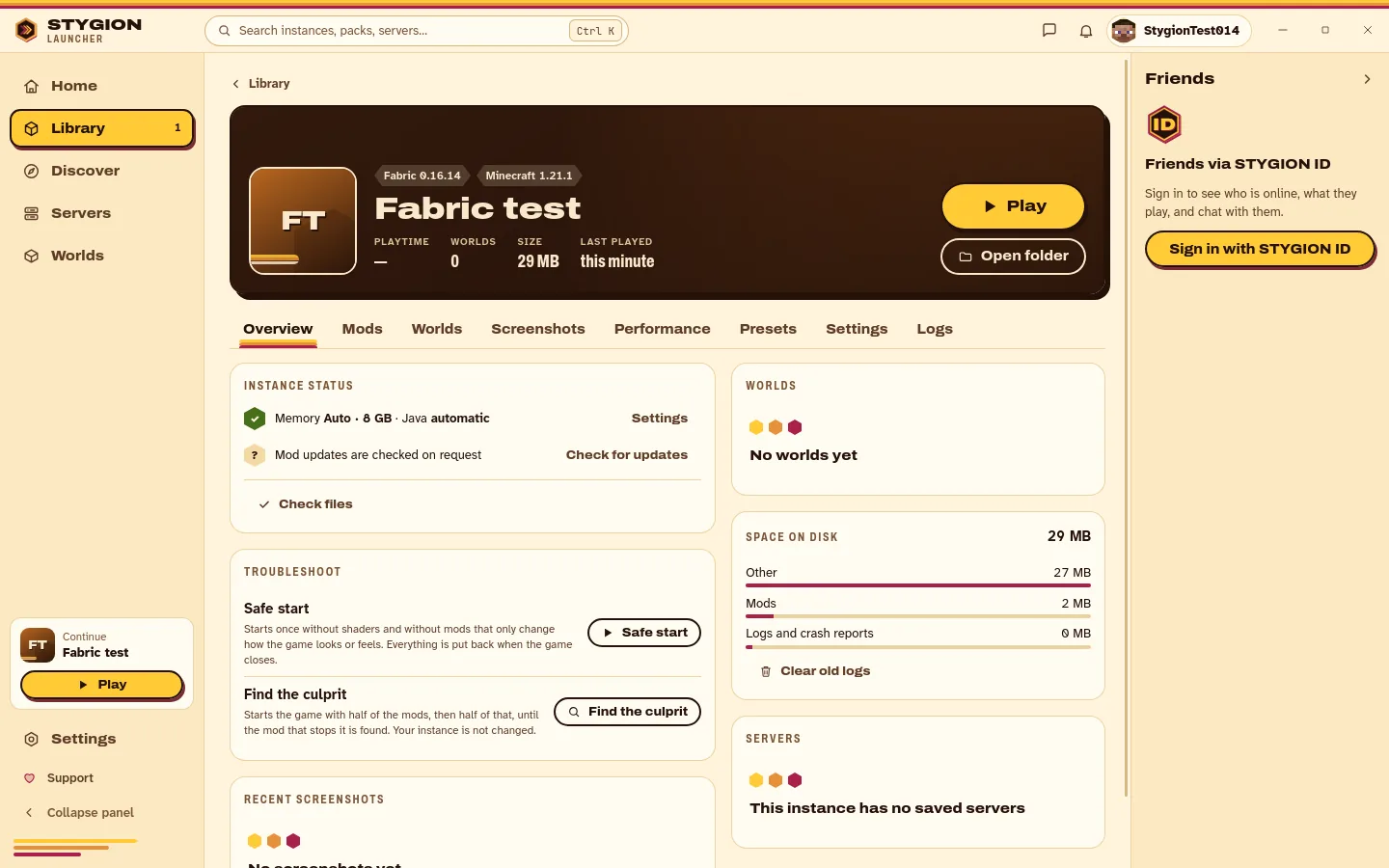
Safe start runs the game once without shaders and without mods that only change how it looks, and puts everything back when it closes. Find the culprit starts the game with half of the mods, then half of that, in a copy of your instance, until it finds the mod the game can't start with. It switches nothing off until you say so. After a crash, one button copies the log, with tokens and your folder name hidden, ready to paste into a ticket.
Your edits stay yours.
A pack update keeps what you changed. My changes lists every config and mod that differs from the pack, each with Undo, and a pack author can mark configs as yours (minimap waypoints, keybinds, options.txt): an update keeps your copy and never deletes it. Every world you play is backed up after the game, five per world, and even a deleted one can come back.
A mod brings its libraries, and takes them away.
Add a mod and the libraries it needs come with it. Remove it and the launcher offers to remove the ones nothing else needs; remove a library another mod needs and it says which one first. Anything that takes a while, from adding what a server recommends to repairing files, gets a window that names each step and has Cancel where it can stop.
How fast is it on your PC? Measure it.
Press Measure on my PC and the launcher copies your instance, runs a fixed scene for 90 seconds and shows the result right away, offline: average FPS, the 1% low, a frame-time graph, memory, loading time and what ran out first. Sending it to us is your call, with your consent, under your STYGION ID or anonymously, and you can take back any run you sent and unlink it from your account. In Discover, packs show an estimate (FPS and GB) from similar PCs. There's little data so far, and where there is, it says so.
A pack author can ship presets.
A preset is a set of changes the pack's author made for a kind of PC. You see exactly what it changes first, apply it with one click, and the launcher takes a backup you can Undo. Mods come only from CurseForge and Modrinth, with a warning and a conflict check before anything is added. Potato Mode is one of them.
What it does
- Installs modpacks from CurseForge and Modrinth with their dependencies, or a .mrpack or CurseForge zip from your disk.
- Runs vanilla, Fabric, Quilt, Forge and NeoForge.
- Finds Java on your computer, or downloads the right one per instance.
- Microsoft or offline accounts, several side by side.
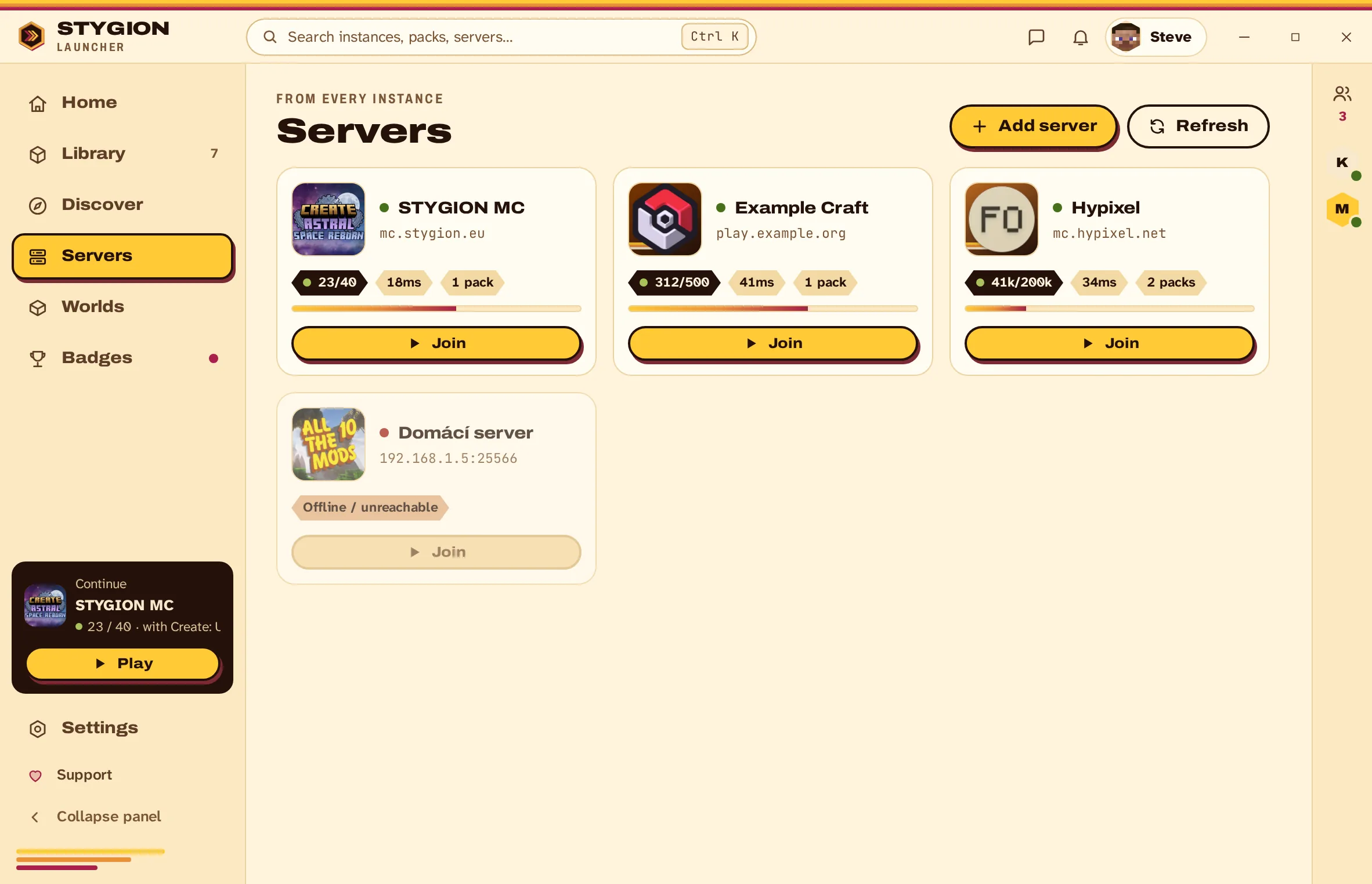
- Servers with ping and player count; worlds listed under the pack that made them.
- Opens Play buttons and links from any website.
- Optional STYGION ID: friends, chat, and tickets to us from inside the launcher.
- Benchmark: 90 seconds on a copy of your instance, the result on your screen without the network.
- Presets from the pack author: preview, one click, a backup, and Undo.
- Finds the mod that stops a pack from starting, in a copy of your instance, and has a Safe start.
- Backs up every world after the game; restore one, even a deleted world.
- Shows what you changed against the pack, with Undo; configs the pack author marks as yours stay yours.
- A mod brings the libraries it needs and takes them away when nothing else needs them.
- Offers what the server recommends before you join: its Keystone version, recommended mods and resource pack.
- The installer and AppImage update themselves from stygion.eu, every update signed.
Windows and Linux
s0.14.0 Your configs stay yours, a mod's libraries leave with it, and nothing long runs without a window that says what it does.
Every file is signed, and the signature sits next to it.
ChangelogsQuestions people ask
Is it free?
Yes, and there's nothing to buy inside it.
Which systems?
Windows (64-bit) and Linux (AppImage, x86_64). There's no macOS build: we have no Mac to test one on, and we don't ship what we can't test.
Do I need a Microsoft account?
For servers that check accounts, yes. An offline account is enough for singleplayer and for servers running in offline mode. Both kinds can sit side by side.
Do I need a STYGION account?
No. You only need one for friends, chat and tickets.
What does the benchmark send?
Nothing, unless you choose to. The result stays on your computer. If you send it, it carries the pack and its version, the game and loader version, your processor and graphics card model, the driver version, memory, system, window size, graphics and Java settings, and the measured frames, memory and loading times. Never your name, IP address, serial numbers or anything from your worlds. You can download or disconnect what you sent in Settings → Benchmark.
Can I switch from Prism Launcher, MultiMC, the CurseForge app or the Modrinth App?
Yes. STYGION Launcher imports your instances from all four: the game folder is copied into a new instance, and the original stays untouched in its own launcher. A pack exported as .mrpack or a CurseForge zip can be dropped in as well.
Is STYGION Launcher a Prism Launcher alternative?
It does the same job: modpacks from CurseForge and Modrinth, Fabric, Quilt, Forge and NeoForge, several accounts side by side. What it adds is the Play button: a server puts one on its website, and one press installs that server's pack and joins.
Come and argue with us
Everything we make gets argued about in one Discord. Ideas, bugs and the occasional very long message about JVM flags.