VOIDIVIDE's desktop, on your Arch.
STYGION OS is the look of the desktop STYGION gets built on, for Arch Linux with Hyprland. It goes on top of the system you already have and comes off again whenever you like. A look, not a distribution.
curl -fsSL https://stygion.eu/os/install | bash It shows what it is about to change and asks first. No sudo in front: it asks for that itself, only for packages you say yes to and for the boot screen.
Read the script first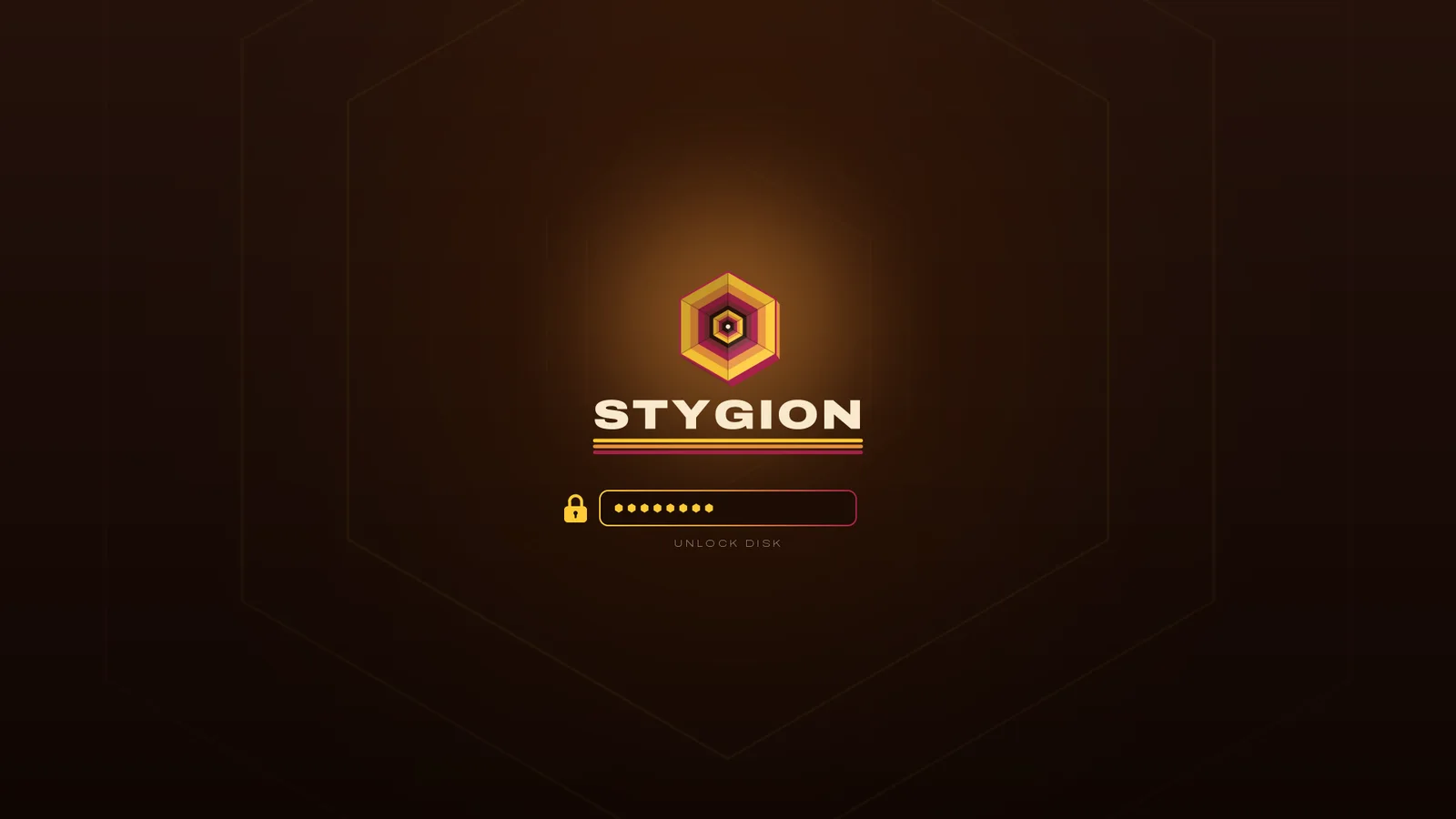
A bar that knows who is on the server.
Next to CPU and GPU load and temperature, the bar shows how many people are on STYGION MC and how well the server keeps up, as TPS, every 30 seconds. With the claude part your Claude Code limits sit beside it as rings. A graphics card that is asleep stays asleep.


Five parts, each on its own
Take all five or just one. Every part goes on and comes off by itself.
lookNight palette, gradient window borders, motion, the Bibata Modern Amber cursor, terminal and GTK colours, Walker, btop and fastfetch. On Omarchy it is a theme called stygion, switched like any other.
wallpapersEvery wallpaper we publish, checked by SHA-256 as it lands, and a different one every 30 minutes. New ones turn up by themselves.
See the wallpapersbarQuickshell modules for CPU, GPU and STYGION MC. On Omarchy they join its own bar; anywhere else they bring a bar of their own.
claudeA Claude Code status line with the five-hour and weekly limits and the context, claude opening in tmux, and the same limits as rings in the bar. You sign in to Claude Code yourself.
bootPlymouth for the disk unlock and the splash, the SDDM login screen and the Limine boot menu, wherever your system already has them. The one part that needs sudo, and it says so before asking.
curl -fsSL https://stygion.eu/os/install | bash -s -- --components look,bar Once it is on
stygion-os install [parts]- add parts; name none and you get to choose
stygion-os update- the newest signed release, when you ask for it
stygion-os remove [parts]- back to exactly how it was; name none and all of it goes
stygion-os status- what is on
stygion-os doctor- what is missing or was reset
It comes off the way it went on.
- Signed
- Every release is signed with minisign and checked against the key inside the installer, together with its SHA-256, before anything is unpacked. Without minisign, openssl does the same check.
- Only forward
- An older signed release is never taken for the newest one. Going back is a flag you type on purpose.
- Backed up first
- Whatever it replaces is copied to ~/.local/share/stygion-os/backup/ before it is touched. The boot screen's backups are kept by root, in /var/lib/stygion-os/boot.
- Gone to the byte
- stygion-os remove puts every file back exactly as it was. Anything you changed by hand in the meantime is set aside, never thrown away.
- Your config stays yours
- hyprland.conf or hyprland.lua is never rewritten. It gets one line that loads ours, and each terminal one include.
RWR5KxPI1LyiXhN4wTus0BnrExTs3Ie4Dn9sj4367Zdi54VMRHeXoSzn What goes over the network
- stygion.eu the release, its signature and the installer, when you install or update
- stygion.eu the public list of wallpapers and the pictures themselves (wallpapers)
- stygion.eu the public STYGION MC status, players and TPS, every 30 seconds while the bar runs (bar)
- your mirrors packages you said yes to, through pacman, and the AUR through yay or paru
No account, no telemetry, no keys. The Claude rings read what Claude Code writes on your own disk, and nothing about your machine goes anywhere.
Questions people ask
Which systems does it run on?
Arch Linux and Arch-based systems with Hyprland. Omarchy is where we test it; any other Hyprland works on a best-effort basis, and your Hyprland config is never rewritten.
Is it a distribution?
No. It is a look on top of the Arch you already have. Your packages, kernel and settings stay as they are.
How do I update it?
stygion-os update fetches the newest signed release. Nothing updates behind your back.
How do I get rid of it?
stygion-os remove takes everything back to exactly how it was. stygion-os remove bar takes away just the bar.
What does it cost?
Nothing. STYGION OS is free to use.
Is it open source?
No. It is free to use and All Rights Reserved, with no open-source licence. Third-party pieces carry their own notices in the package.
Do I need a STYGION account?
No. Nothing in it signs in anywhere.
Come and argue with us
Everything we make gets argued about in one Discord. Ideas, bugs and the occasional very long message about JVM flags.