STYGION Launcher a0.8.2-dev.62
Every pack you play, in one place
Install a modpack, press play, and let it deal with Java, memory, mods and updates.
a0.8.2-dev.62
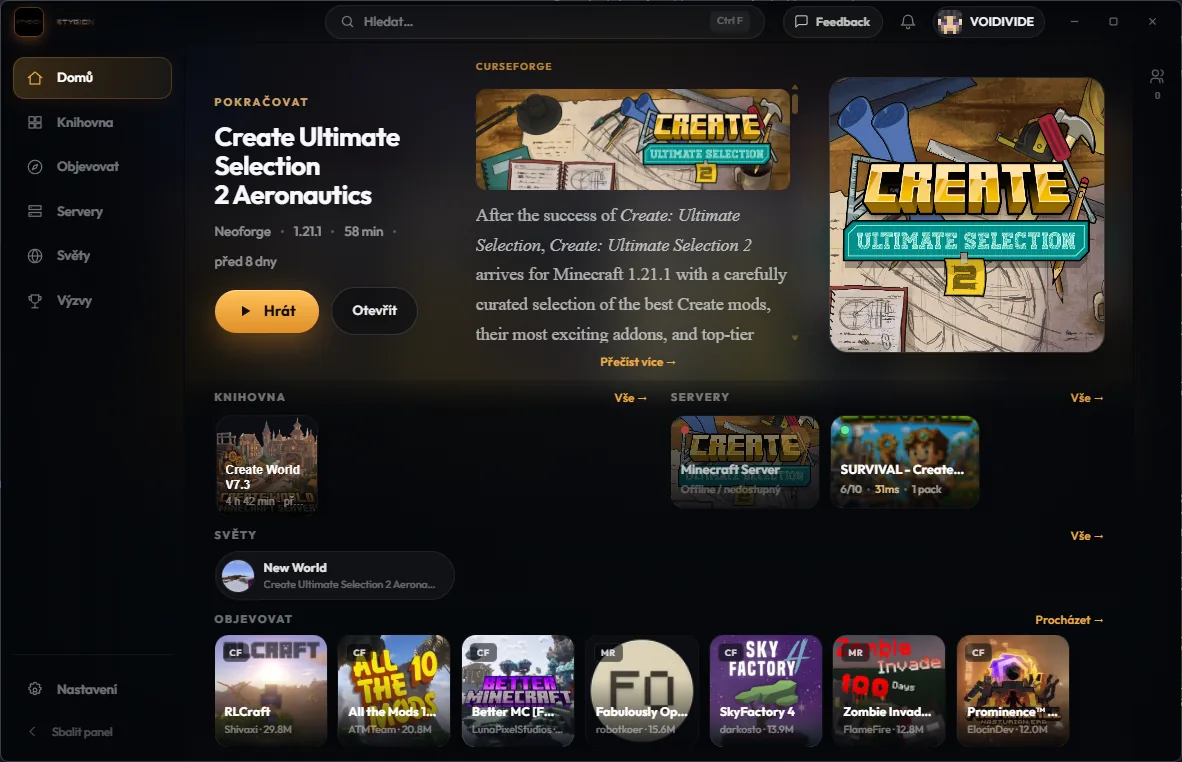
What you get
Less time in folders
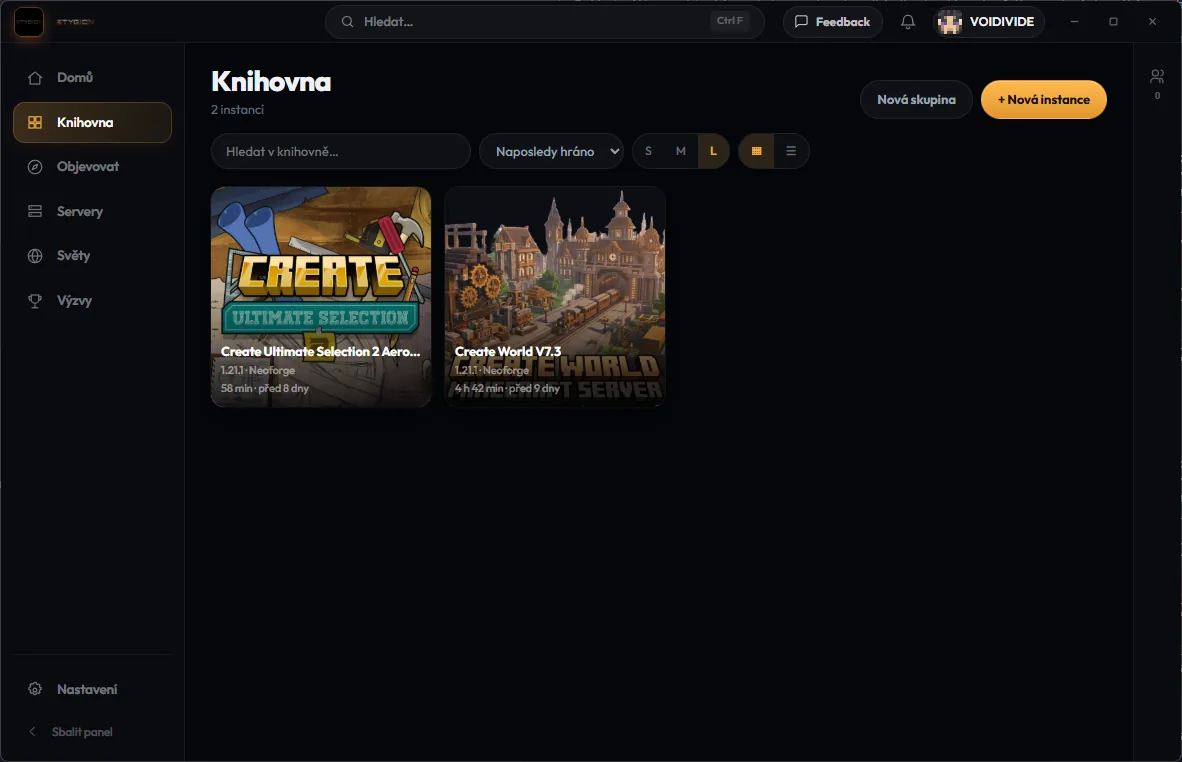
A library, not a pile of zip files
Everything you installed sits in one place with its version, its loader and the hours you have put into it.
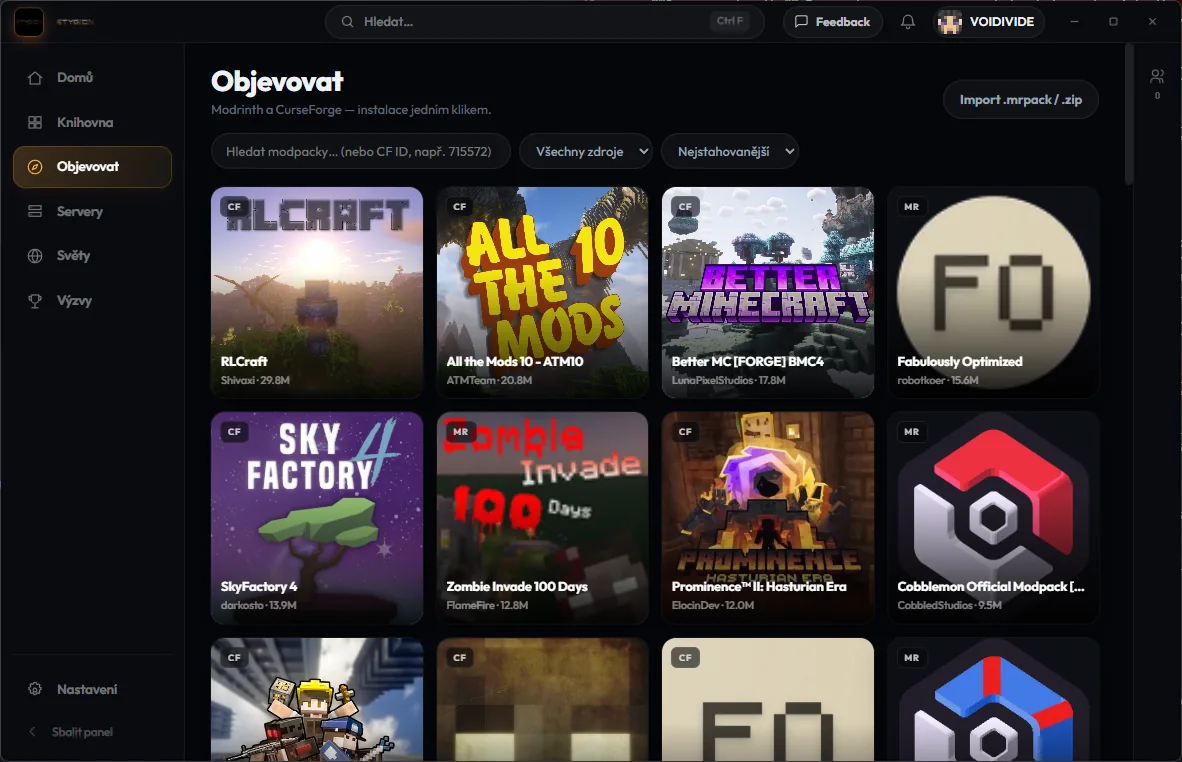
CurseForge and Modrinth in one search
One place to search both, one click to install, and dependencies resolved before the download starts.
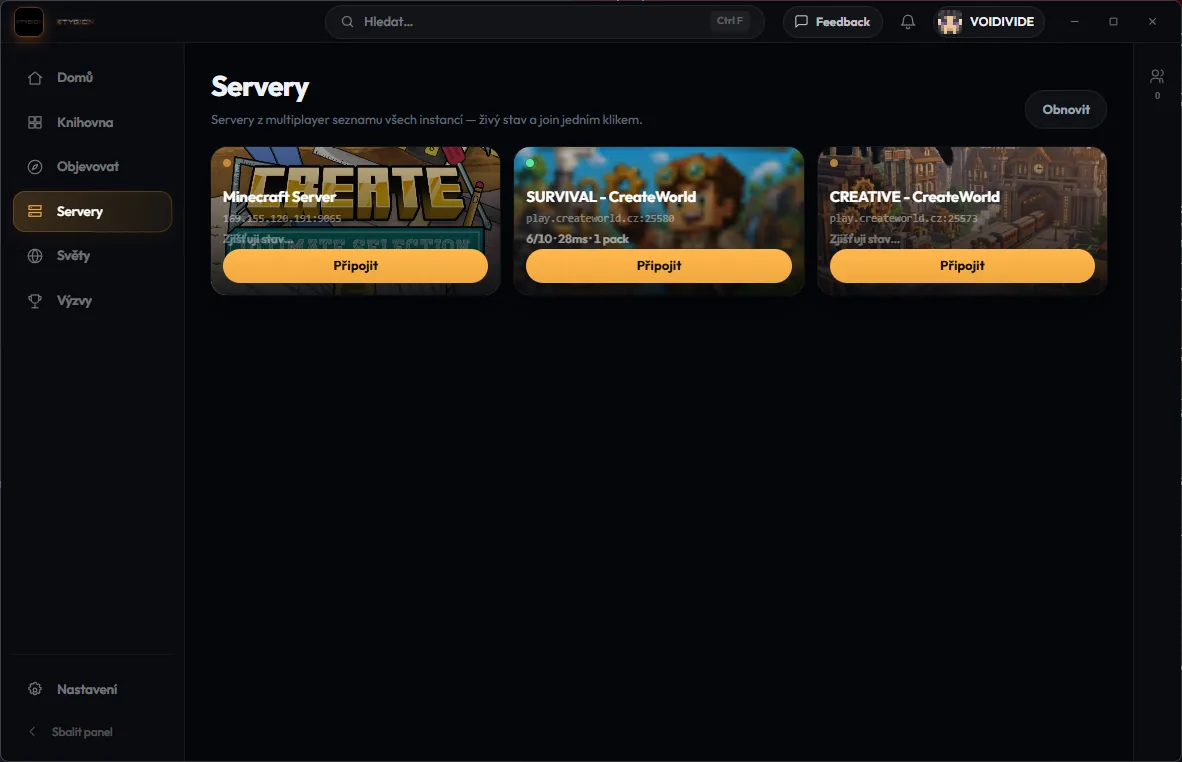
Servers next to the pack they need
Ping and player count on the card, and joining is one press because the right pack is already there.
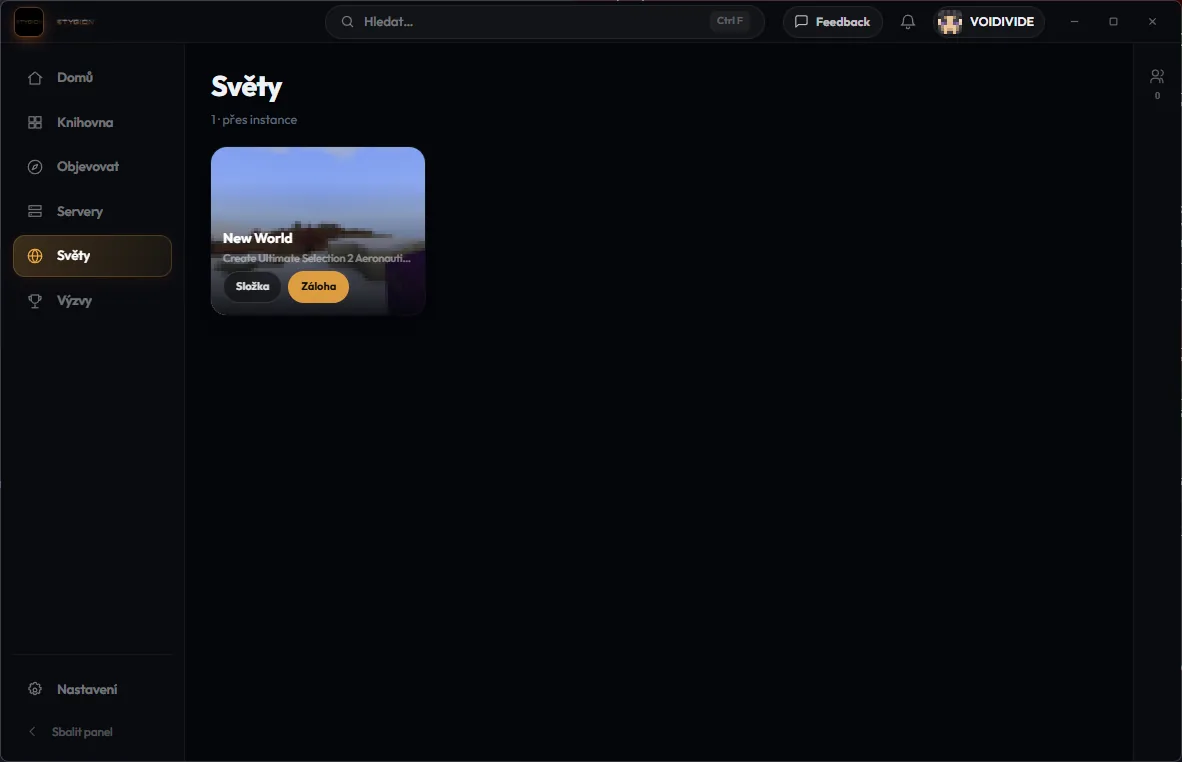
Worlds you can find again
Singleplayer worlds listed with the pack that made them, instead of buried three folders deep.
How it works
Three steps, then you are playing
- 01
Install the launcher
One installer. Java is detected or downloaded per instance, so there is nothing to set up first.
- 02
Pick a pack
Search CurseForge and Modrinth together, or drag in a .mrpack or CurseForge zip you already have.
- 03
Press play
Memory, loader and updates are handled. Your accounts, servers and worlds are already on screen.
Download
It runs on all three
a0.8.2-dev.62 Linux - The launcher is not slow any more.
Every file is signed, and the signature sits next to it.
ChangelogsQuestions
The things people ask us
How do I sign in?
With your Microsoft account, with an offline account, or with STYGION ID, which passes your Minecraft account through so you sign in once. Several accounts can sit side by side, one per instance. A STYGION account is only needed for our servers, friends and chat.
Does it cost anything?
No. The launcher is free.
Will my existing packs work?
Packs from CurseForge and Modrinth work, and you can import a .mrpack or a CurseForge zip straight from your disk.
Where do I download it?
Here. Everything we release lives on this site, and the launcher updates itself from then on. Discord carries the changelogs.
Which systems does it run on?
Windows.
Follow along
Changelogs and the arguing happen on Discord. What is coming is on the roadmap.